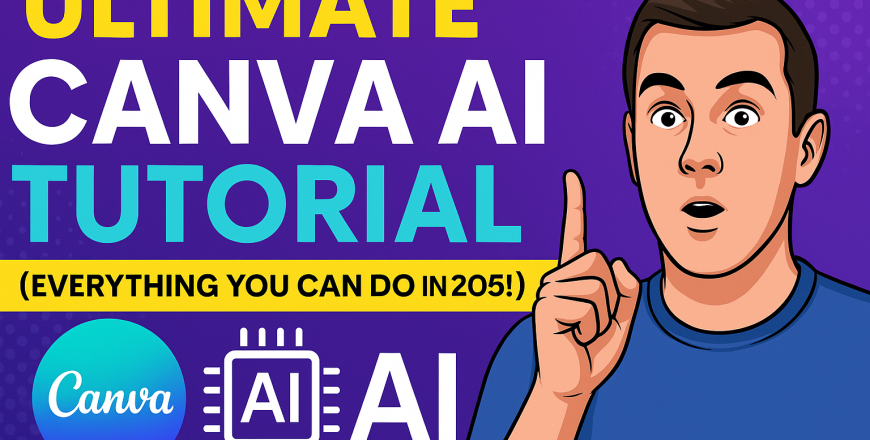
Canva AI Tutorial

- Description
- Curriculum
- Reviews
Welcome to the Canva AI Tutorial — your complete guide to mastering Canva’s next-generation AI design tools.
In this course, you’ll explore over 15 cutting-edge AI features that are transforming how creatives, entrepreneurs, and businesses produce content. Learn how to write with Magic Write, design stunning visuals using Magic Media, edit with precision using Magic Erase, and even generate interactive tools using the AI Code Generator. Whether you’re creating social media posts, websites, presentations, or marketing materials, Canva AI helps you design faster, smarter, and more creatively than ever before.
You’ll also get a sneak peek into powerful new features like Canva Sheets and the conversational AI Assistant coming soon. With practical examples, real prompts, and guided walkthroughs, this course is ideal for both beginners and seasoned designers looking to supercharge their workflow.
By the end of this course, you’ll be able to confidently use Canva AI to ideate, design, and deliver impactful content—on your own, and on demand.
-
1
 Course Summary
 -
2
 Course Video
 -
3
 Course QuizThis short quiz tests your understanding of Canva's latest AI features covered in the Canva AI Tutorial. It includes 7 multiple choice questions and 3 true/false questions focused on tools like Magic Write, Magic Media, AI Voice, Magic Erase, and upcoming features such as Canva Sheets and the AI Assistant.